
 +44 20 3695 6722
 Sign in
A proxy is an intermediary server that sits between a client and a destination server. It receives requests from the client and forwards them to the target server on its own behalf. In simple terms, it acts as a “middleman”: it processes the request, masks your IP address, and then forwards it to the destination server. The response is then routed back to you through the proxy.
Proxy servers can offer different levels of functionality, security, and privacy depending on how they are used. For example, they can help you stay anonymous online or speed up website loading by caching frequently requested data.
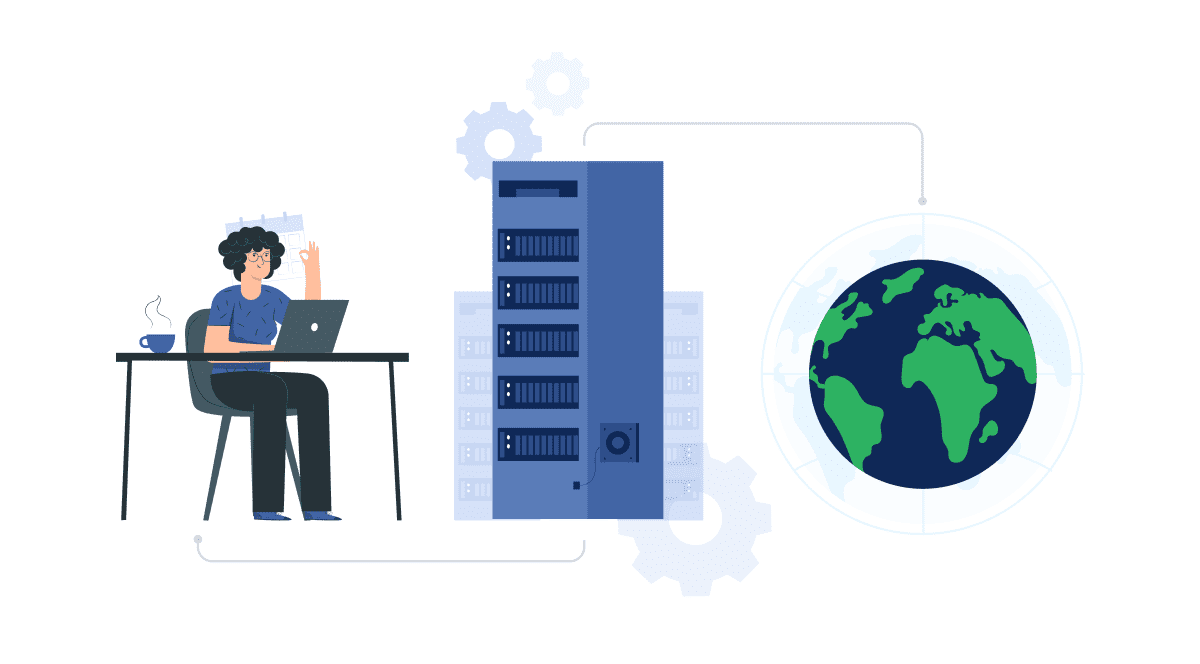
How Proxy Server Works
The proxy server has its own IP address, so it acts as an intermediary between your computer and the Internet. Your computer knows this address, and when you send a request on the Internet, it is sent to a proxy server, which then receives a response from the web server and forwards the page data to your computer’s browser.
The proxy server acts as a firewall and filter. At the same time, it analyzes the data coming in and out of your computer or network. Then it applies the rules so that you do not have to reveal your digital address to the whole world, but only the IP address of the proxy server is visible. Without your personal IP address, people on the Internet can’t access your data directly.
When installed, web requests are sent to a proxy server, which then connects and retrieves what you want from the Internet. If the server has encryption capabilities, passwords and other personal data get an extra level of protection.
In most cases, a proxy is configured for specific applications (for example, only in a browser) and does not automatically encrypt traffic unless a secure protocol is used. Proxy servers can be used for several purposes:
- Hiding your real IP address to make tracking your activity more difficult.
- Caching data to speed up access to frequently visited websites.
- Controlling traffic, blocking access to unwanted or unsafe resources, and protecting data (for example, within a corporate network).
- Analyzing data and checking website availability from different locations (commonly used in marketing and application testing).
Read more: What is proxying?
Types of Proxy Servers
There are different types of proxy servers, and each of them has its own unique capabilities. The following list describes only some of them.
Forward Proxy
A forward proxy is located between internal clients and external resources. It receives requests from users and accesses internet resources on their behalf. The proxy analyzes outgoing requests and decides whether to allow the connection.
Forward proxies are commonly used within internal networks to provide centralized access control and user authentication. They help hide internal IP addresses and simplify network administration, although they may not offer much flexibility for end users.
Reverse Proxy
A reverse proxy sits between users and internal servers. It intercepts incoming requests, forwards them to the origin server, and then returns the response to the client.
Reverse proxies are often used for high-traffic websites and typically provide additional protection features such as request filtering and load balancing. However, the proxy itself must also be secured — if it is compromised, attackers may gain access to sensitive information about the internal infrastructure.
Data Center Proxy
A data center proxy is a cloud-based server hosted in a data center. It uses IP addresses associated with hosting infrastructure rather than residential or mobile networks. User requests are routed through this proxy.
Its main advantages are high speed and relatively low cost. However, it offers a lower level of anonymity, as these IP addresses are easier to identify as data center traffic. As a result, websites and anti-fraud systems may block them more frequently.
Residential Proxy
A residential proxy provides an IP address assigned to a real physical device. All requests are routed through that device.
This type of proxy is ideal for tasks where it is important to appear as a regular user from a specific location, such as checking targeted ads or collecting data. Residential proxies make traffic appear as though it originates from a real user device and are less likely to be blocked, but they are also more expensive.
Public Proxy
A public proxy provides free access to its IP address. It is easy to use and does not require payment. However, it often comes with significant drawbacks:
- Performance may be slow due to heavy usage by many users.
- The server is often overloaded and operated by unknown third parties, which reduces privacy and control over how your data is handled compared to paid solutions.
Shared Proxy
A shared proxy allows multiple users to use the same IP address at the same time, with the cost split between them. This makes it a good option if you want to save money and do not require high performance.
However, the risk of being blocked is higher. If one user engages in suspicious or prohibited activity, all users sharing that IP address may lose access.
SSL Proxy
An SSL proxy establishes an encrypted connection between the client and the server using the SSL/TLS encryption. Data is encrypted both between the client and the proxy, and between the proxy and the destination server, making interception significantly more difficult.
This makes SSL proxies a strong choice for corporate environments where enhanced data protection and secure file transfers are required. They are also useful for protecting sensitive information when using public Wi-Fi networks.
However, when encryption is used, caching at intermediate nodes is often limited by security policies and server configurations. As a result, the performance benefits of caching may be lower compared to unencrypted HTTP traffic.
Rotating Proxy
A rotating proxy automatically changes the IP address for each request. This means that even if a user connects to the same resource multiple times, they will receive a different IP address each time.
This makes rotating proxies ideal for continuous automated data collection, as they help bypass request limits and blocking mechanisms. However, it is important to choose a reliable provider, as some services may rely on public or compromised shared proxies, which reduces anonymity.
Anonymous proxy server
The main feature of an anonymous proxy server is that it makes internet activity untraceable. It accesses the Internet on behalf of the user and hides their identity and information about the computer.
Such a proxy server is best suited for users who want to remain completely anonymous when accessing the Internet. Although anonymous proxy servers offer the best protection for personal information, they are not without their drawbacks.
High anonymity proxy server
A high anonymity proxy server is a proxy server that further increases your anonymity. It deletes your data before the proxy attempts to connect to the destination site.
This type of proxy is best suited for users for whom anonymity is an absolute necessity, such as employees who do not want their activities tracked within the company. On the other hand, some of them, especially the free ones, are decoys designed to trap users in order to get their personal information or data.
Distorting proxy server
The distorting proxy server disguises itself as the website’s proxy server. It does this by changing its IP address to a false one.
Distorting proxy servers are a good choice for those who want to hide their location when they go online. This type of proxy server can make it appear that you are visiting websites from a specific country. However, some websites automatically block distorting proxy servers, which can prevent the end user from accessing the correct websites.
Read also: What Can Protect Your Network from DDoS Attacks
Frequently Asked Questions
How to Choose a Proxy Server?
Start by clearly defining your goals and the level of anonymity you need.
For example, if your priority is protecting data, an SSL proxy is a good choice. If your main goal is to hide user identity, you should consider high-anonymity options such as residential proxies.
Keep in mind that free proxies may be unstable, log user activity, and pose a risk of data leaks. Paid proxies typically offer higher speeds, better anonymity, and additional features such as technical support.
It is also important to research the provider. Read reviews on forums and social media, check their reputation, and review their privacy policy — for example, whether they store logs. Also, make sure they offer reliable support.
Another important decision is whether to use a third-party proxy or set up your own. For businesses, running your own proxy is often the better option, as it allows full control over employee access and data security.
If a proxy is needed for a company, it is best to involve a cybersecurity specialist or contractor. Technology evolves quickly, and publicly available information may not be enough. A professional can help identify and mitigate potential risks.
Is It Safe to Use a Proxy?
A proxy alone does not guarantee encryption. Security depends on whether secure protocols are used between the client and the proxy, as well as between the proxy and the destination server.
If any part of the connection uses standard HTTP, the data transmitted over that segment can be intercepted. In such cases, the proxy owner can technically access unencrypted traffic.
For example, if your connection to an online store is not protected by end-to-end HTTPS, or if the proxy decrypts traffic, the proxy operator may be able to see what you are buying, the price, your payment method, and delivery details.
When businesses need to filter traffic or protect employee data while accessing external websites, deploying a corporate proxy server is the better approach.
Does a Proxy Protect Against DDoS Attacks?
A proxy can be part of a DDoS protection strategy. During a DDoS attack, attackers attempt to overwhelm a server with a large volume of requests. A proxy acts as an additional layer of defense, it can:
- Hide the real IP address of the server.
- Distribute incoming traffic across multiple servers, reducing the load on each of them.
- Filter malicious requests.
For example, a reverse proxy combined with cloud-based traffic filtering services can help mitigate attacks.
However, a proxy alone is not sufficient for full protection. It remains vulnerable if it is not integrated into a broader security infrastructure, and it will not help if attackers directly target the origin IP address, bypassing the proxy.
It is also ineffective against complex application-layer (L7) attacks, which require behavioral traffic analysis. For comprehensive protection, businesses should combine a professional anti-DDoS solution with a WAF.
